

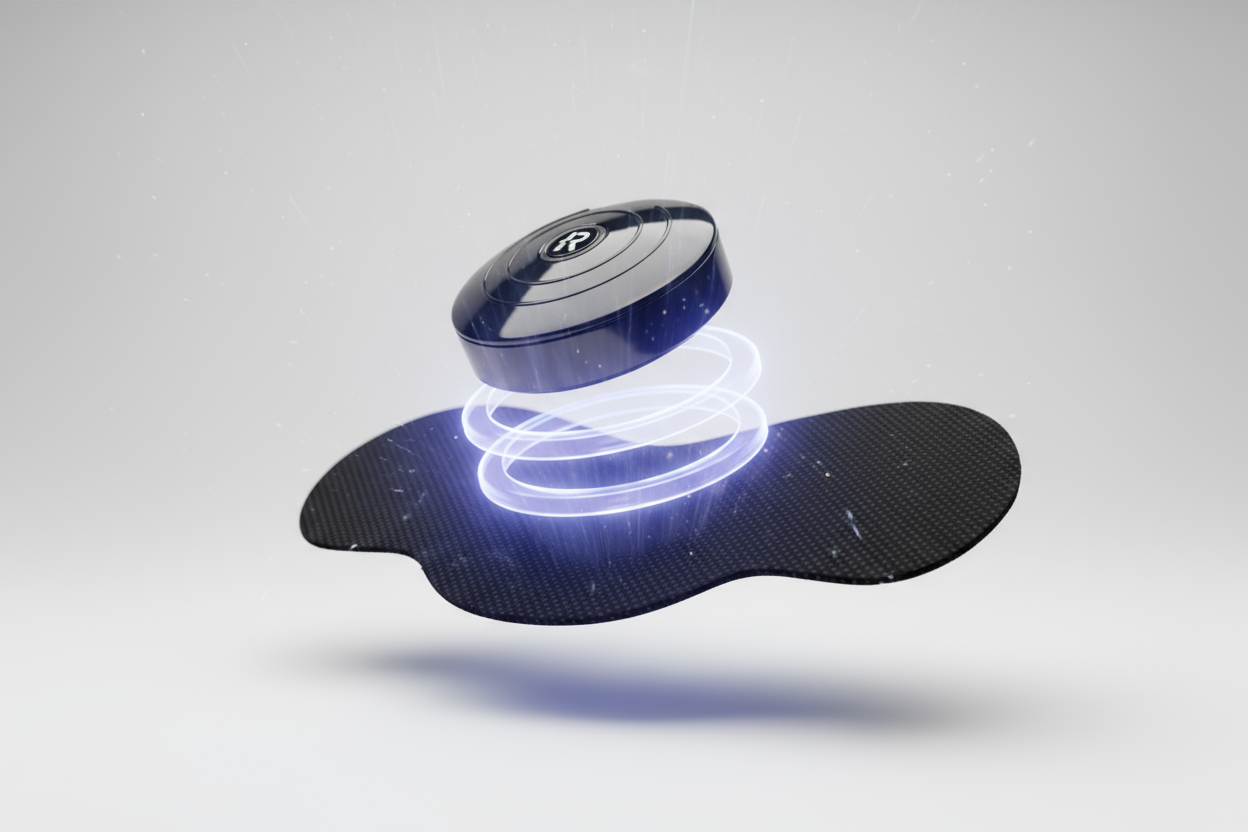
1. Device Preparation & Pad Placement
1. Ensure the unit is fully charged (see charging section) before first use.
2. Clean and dry the skin area where you’ll apply the pads.
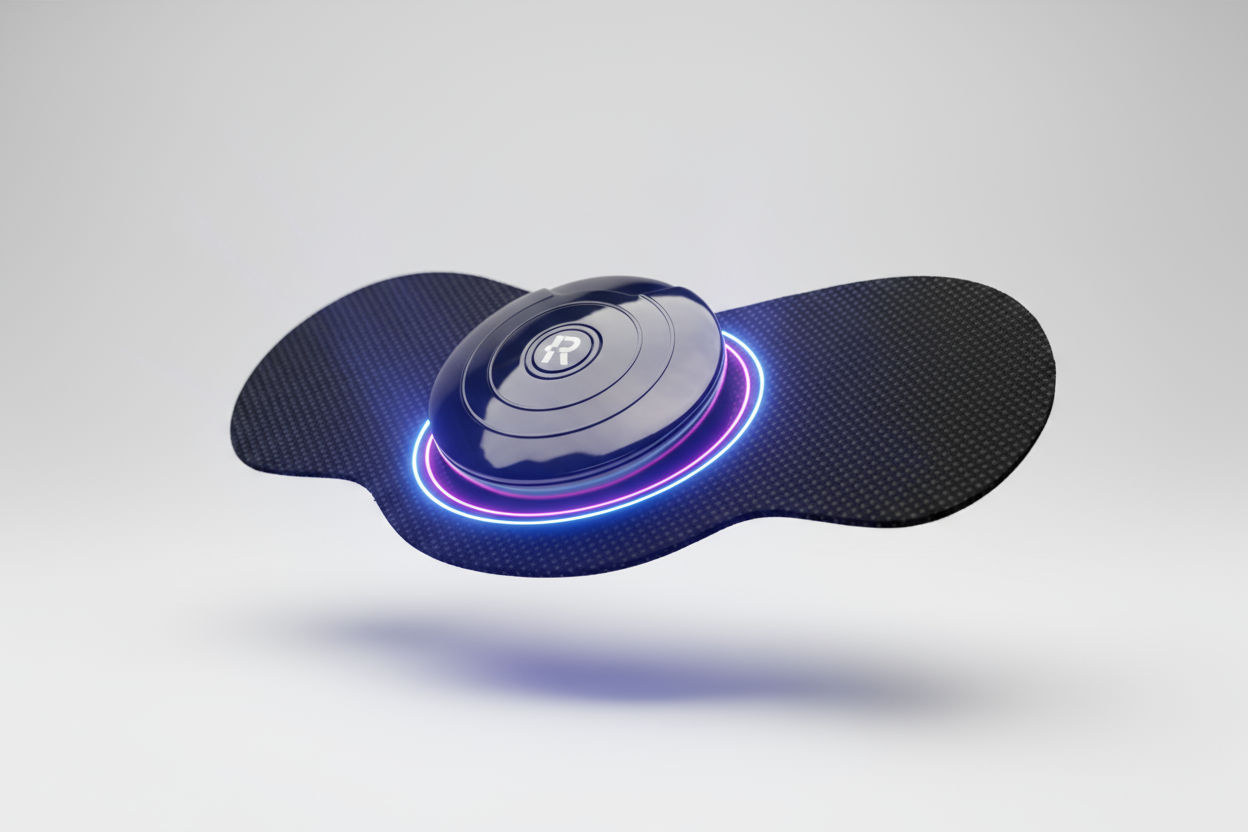
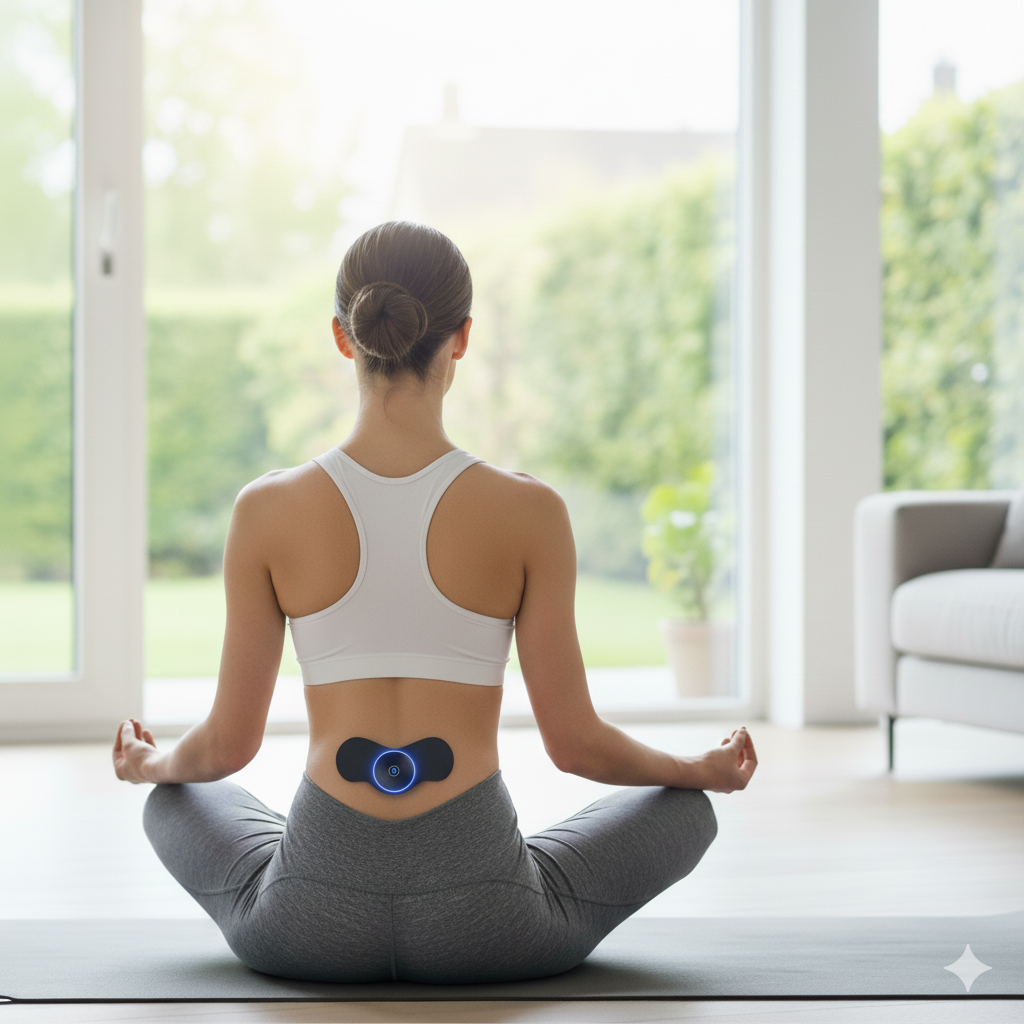
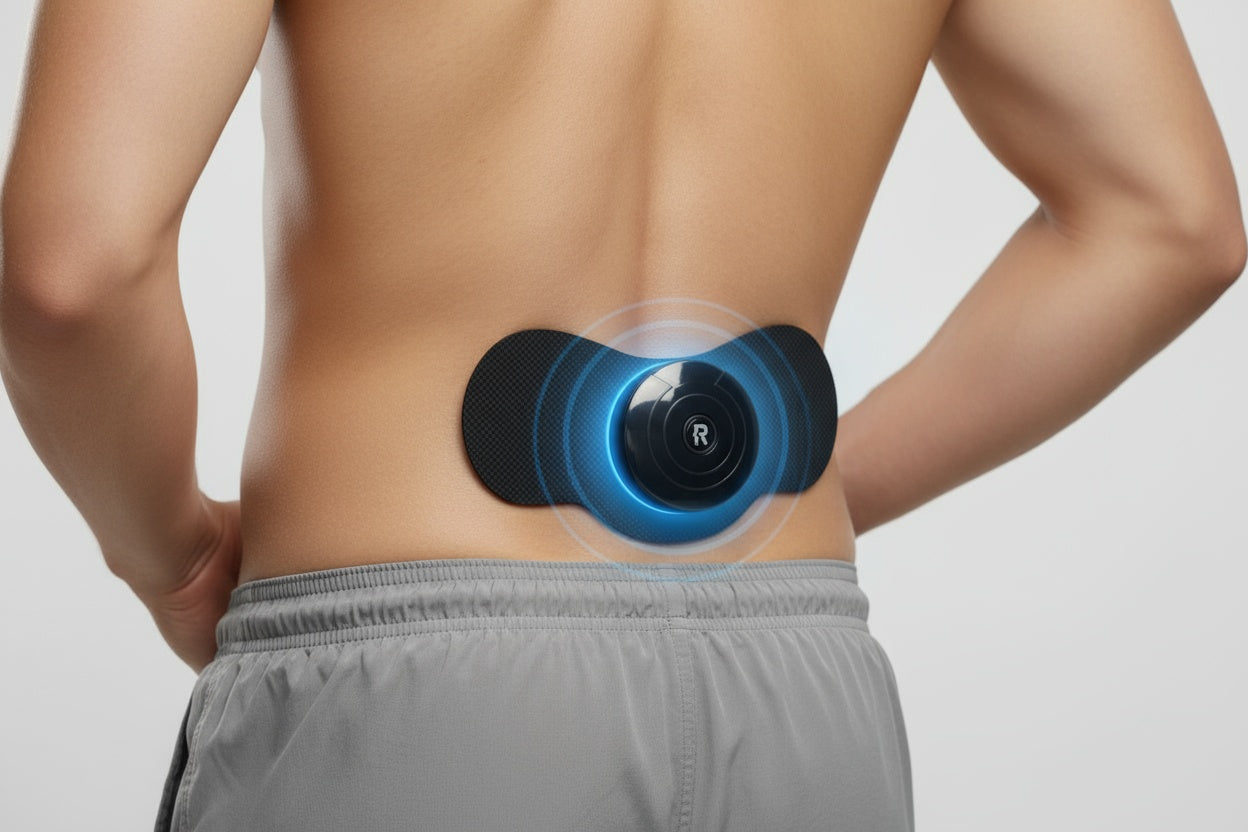
3. Peel the adhesive electrode pads from their backing and place them firmly on the target muscle area — ensure full contact and no air pockets.
4. Connect the output cable(s) securely to the device and form the circuit through both pads.
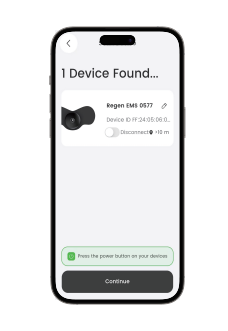
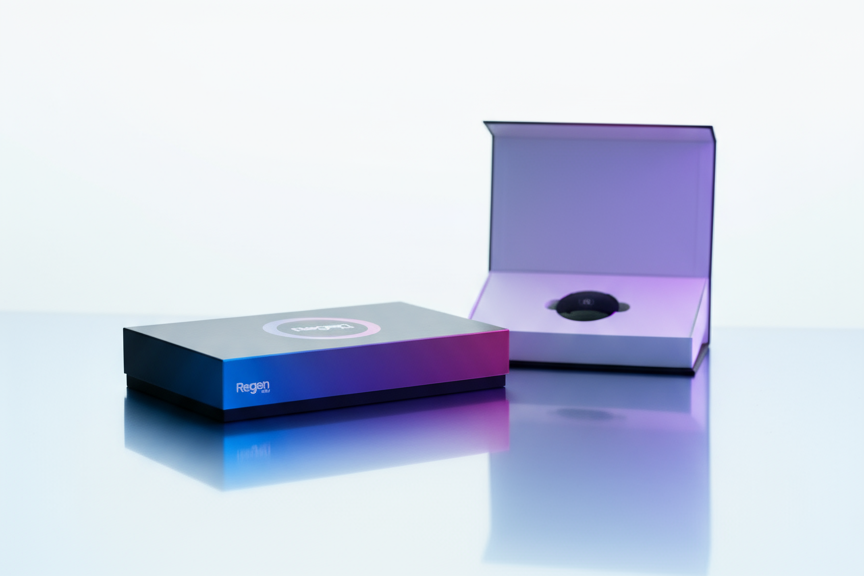

2. Turning On & Bluetooth Pairing
1. Press the power button on the device to switch it on.
2. On your smartphone, open the companion app and enable Bluetooth.
3. In the app, select the device from the list to pair.
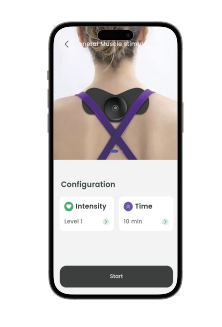
4. Once paired, the app will show connection status and allow control of programmes, intensity, and session time.
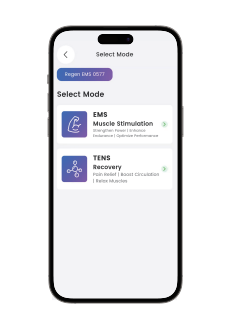
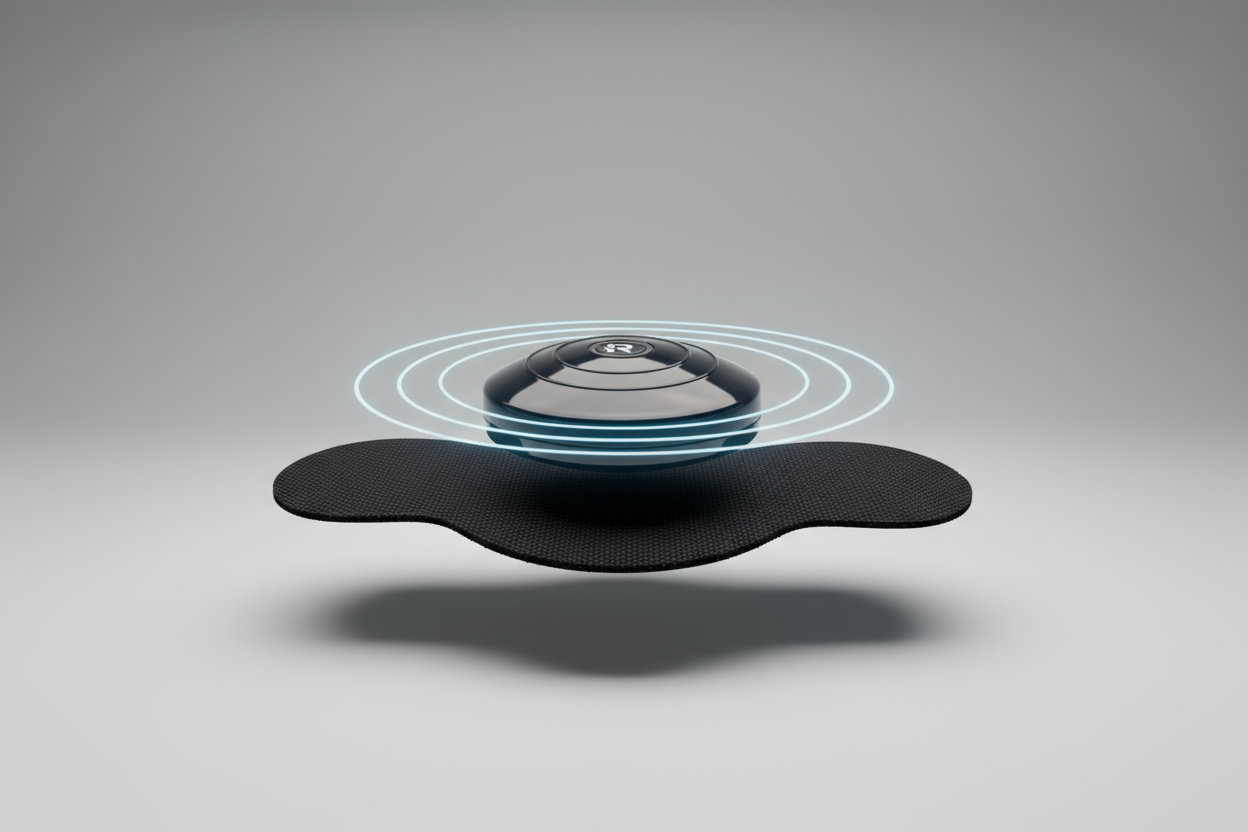
3. Programme Selection & Usage
1. In the app (or directly on the device if supported), choose the desired programme based on your goal: e.g., muscle recovery, strength build, endurance mode.
2. Adjust the intensity slider carefully — start low, gradually increase until you feel firm but comfortable muscle contractions.
3. Select session duration (e.g., 10 min, 20 min) and confirm start.
4. Keep still during the session, avoid touching the electrodes or device, and stop if you experience discomfort.
5. After the session ends, the device will automatically shut off or transition to standby.
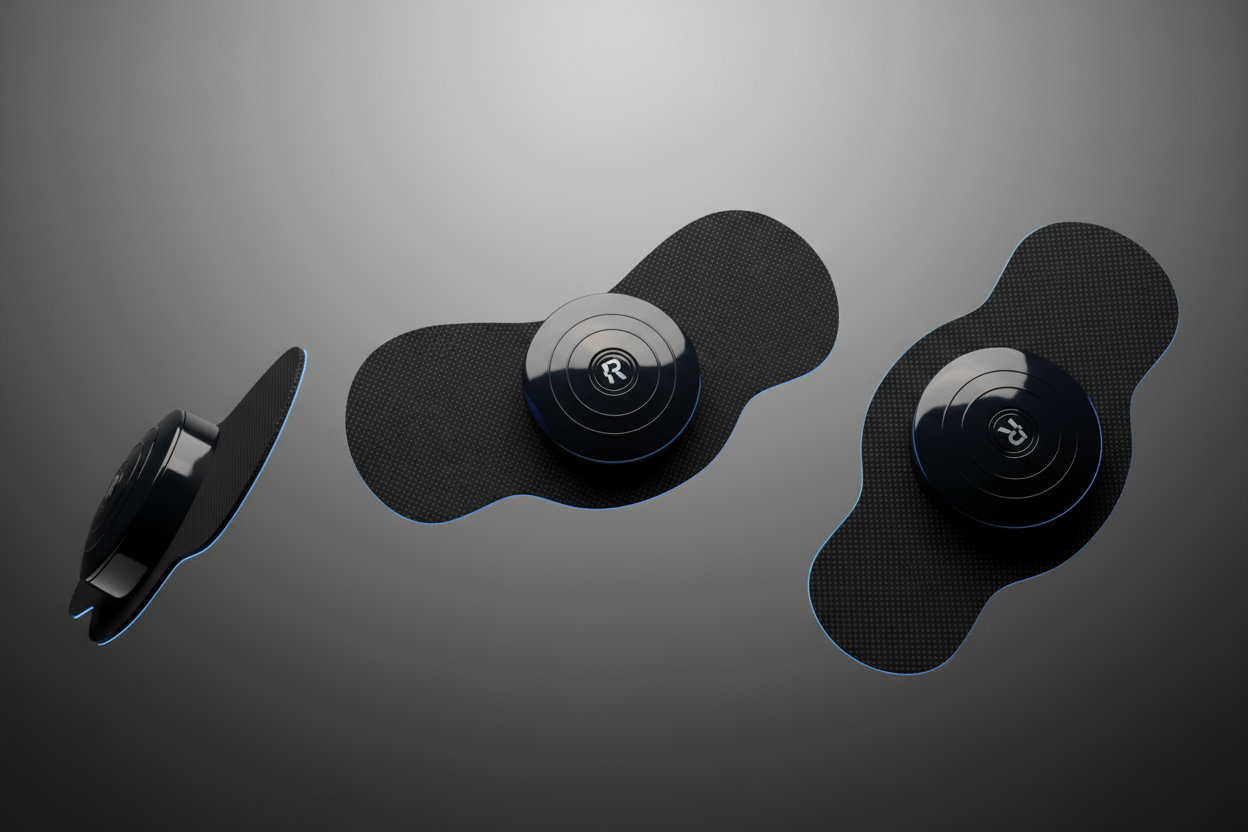

4. Post-Use, Maintenance & Safety Notes
1. Remove the pads from your skin gently and replace the protective film on the adhesive surface to preserve them.
2. Store the device and pads in the pouch provided, in a cool, dry place.
3. The pads will gradually lose adhesion and conductivity—replace them when they no longer stick firmly or muscle contractions feel weak.
4. Do not use the device on broken skin, over the heart, or if you have a pacemaker. Consult a physician if you have any medical condition or are pregnant.
5. Clean the device housing with a soft dry cloth; do not immerse in water, use solvents, or attempt to service internally.